



Description
Download Kaspersky Antivirus & VPN – Security, Privacy, Protection, Anti-Phishing, Password Manager, Firewall
Overview
Kaspersky Antivirus & VPN is a comprehensive desktop security and privacy solution designed to protect users from a broad spectrum of digital threats. The software delivers multi-layered defense mechanisms, including real-time antivirus scanning, anti-phishing protection, and secure network monitoring. It is tailored for individuals and professionals who prioritize online safety and device integrity. The application aims to safeguard personal data, prevent unauthorized access to sensitive hardware like webcams and microphones, and ensure secure browsing through URL threat assessment. Users can benefit from continuous background scanning and proactive threat detection, helping to maintain system performance and security without interruption. The software supports remote device management, enabling users to locate, lock, or wipe lost or stolen devices. It also includes a built-in password manager with autofill capabilities, streamlining login processes while enhancing account security. With features such as a two-way firewall and smart home network monitoring, Kaspersky Antivirus & VPN provides a holistic approach to digital protection. The application is available for multiple platforms, including Android and iOS, and supports multiple languages, making it accessible to a global user base. The developer did not provide additional system requirements or details on platform-specific behavior.Key Features & Capabilities
- Real-Time Antivirus Protection – Continuously scans files and processes to detect and block malware, viruses, and spyware before they can compromise the system.
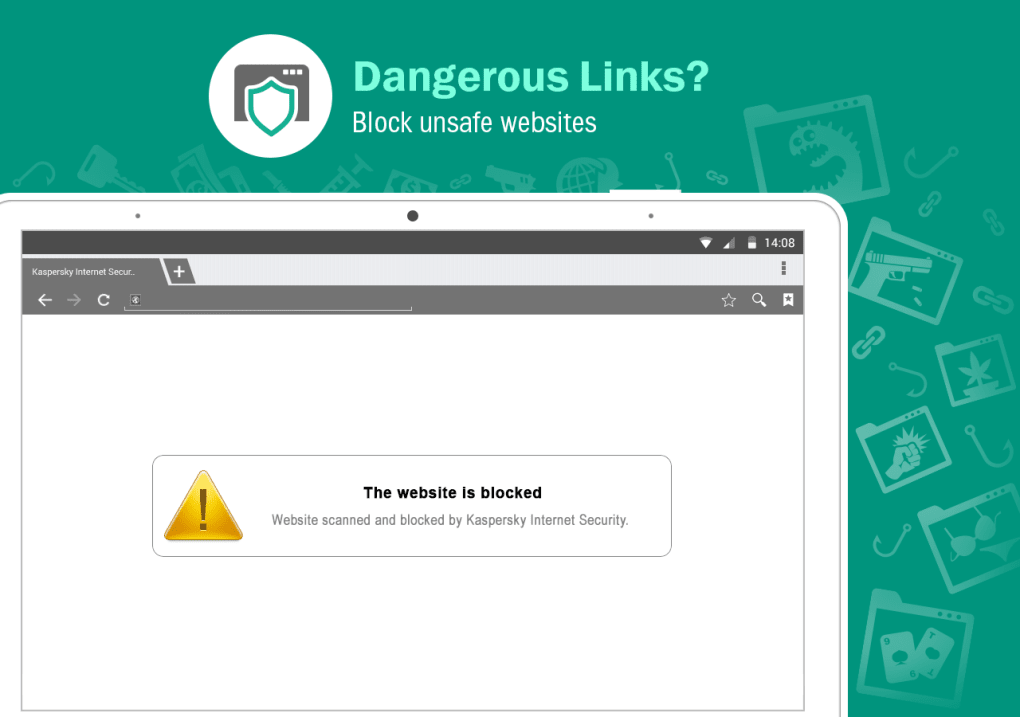
- Anti-Phishing and URL Threat Assessment – Analyzes web links in real time and color-codes them based on threat level, displaying warnings before users access risky websites.
- Two-Way Firewall – Monitors both incoming and outgoing network traffic to identify and block suspicious connections, enhancing overall network security.
- Device and Network Monitoring – Alerts users when unauthorized devices attempt to connect to their network, including smart home devices, helping maintain home network integrity.
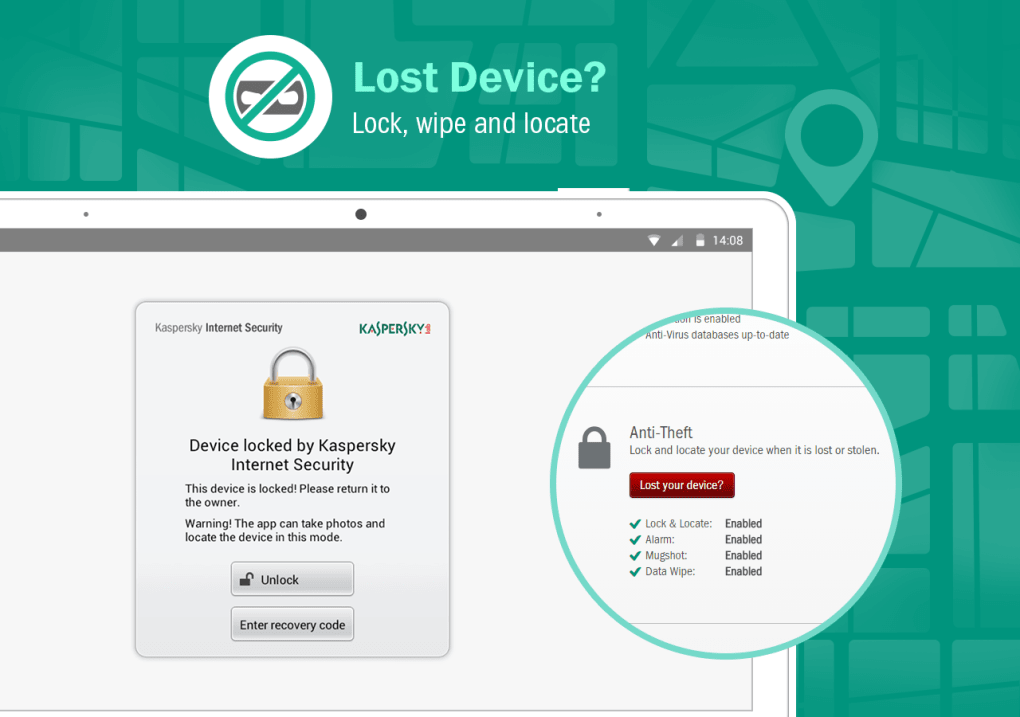
- Remote Device Management – Allows users to locate, lock, or remotely wipe a lost or stolen device to prevent data exposure.
- Password Manager with Autofill – Securely stores login credentials and enables automatic filling, reducing the risk of weak or reused passwords.
- Secure QR Scanner – Validates the safety of QR codes before execution, protecting against malicious payloads hidden in scanned codes.
- Unauthorized Access Detection – Triggers alerts and can capture photos of intruders attempting to access the device, providing visual evidence of suspicious activity.
- Personalized Security Alerts – Delivers context-aware notifications based on browsing behavior and threat trends, helping users stay informed.
User Interface, Workflow & Performance
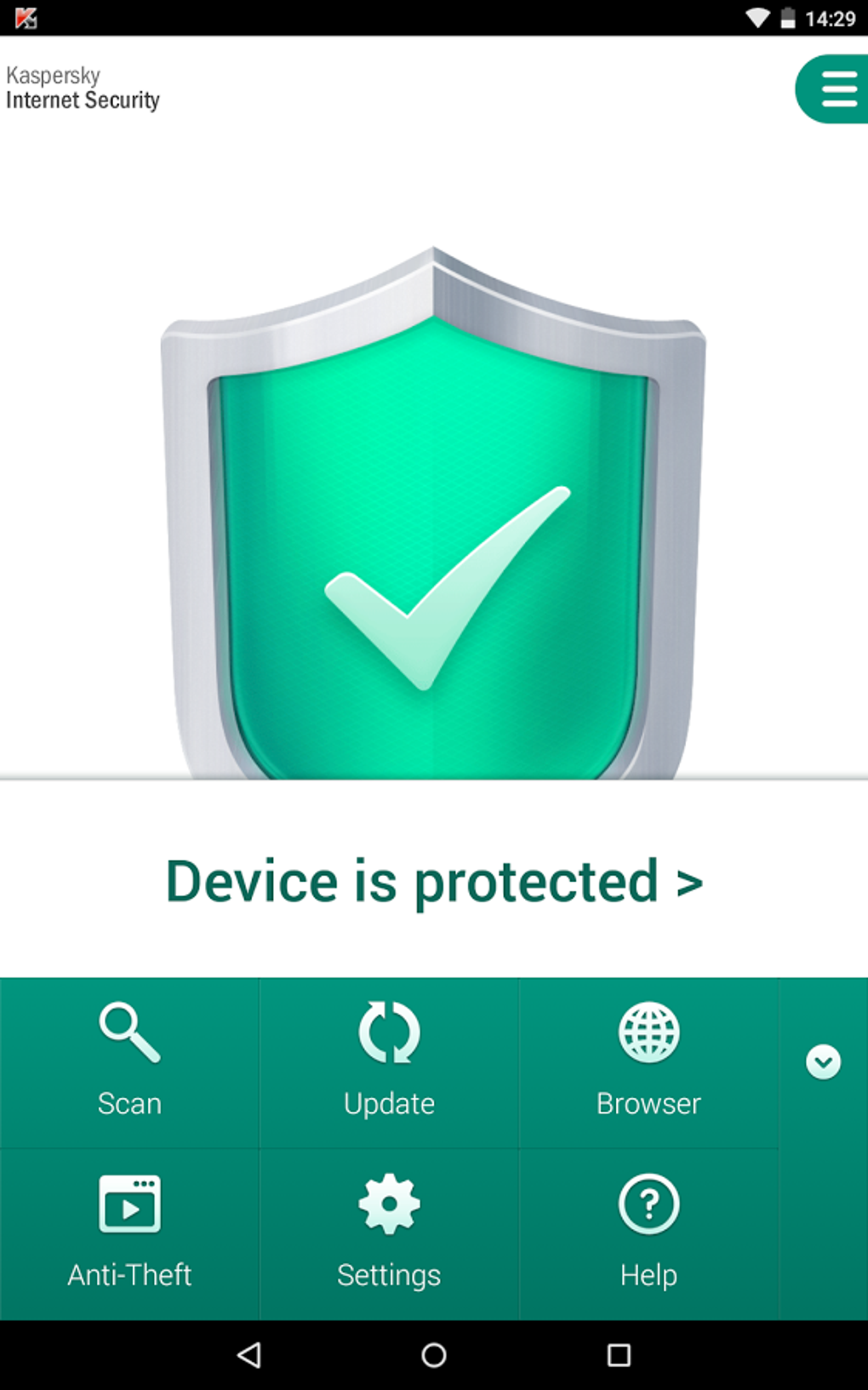
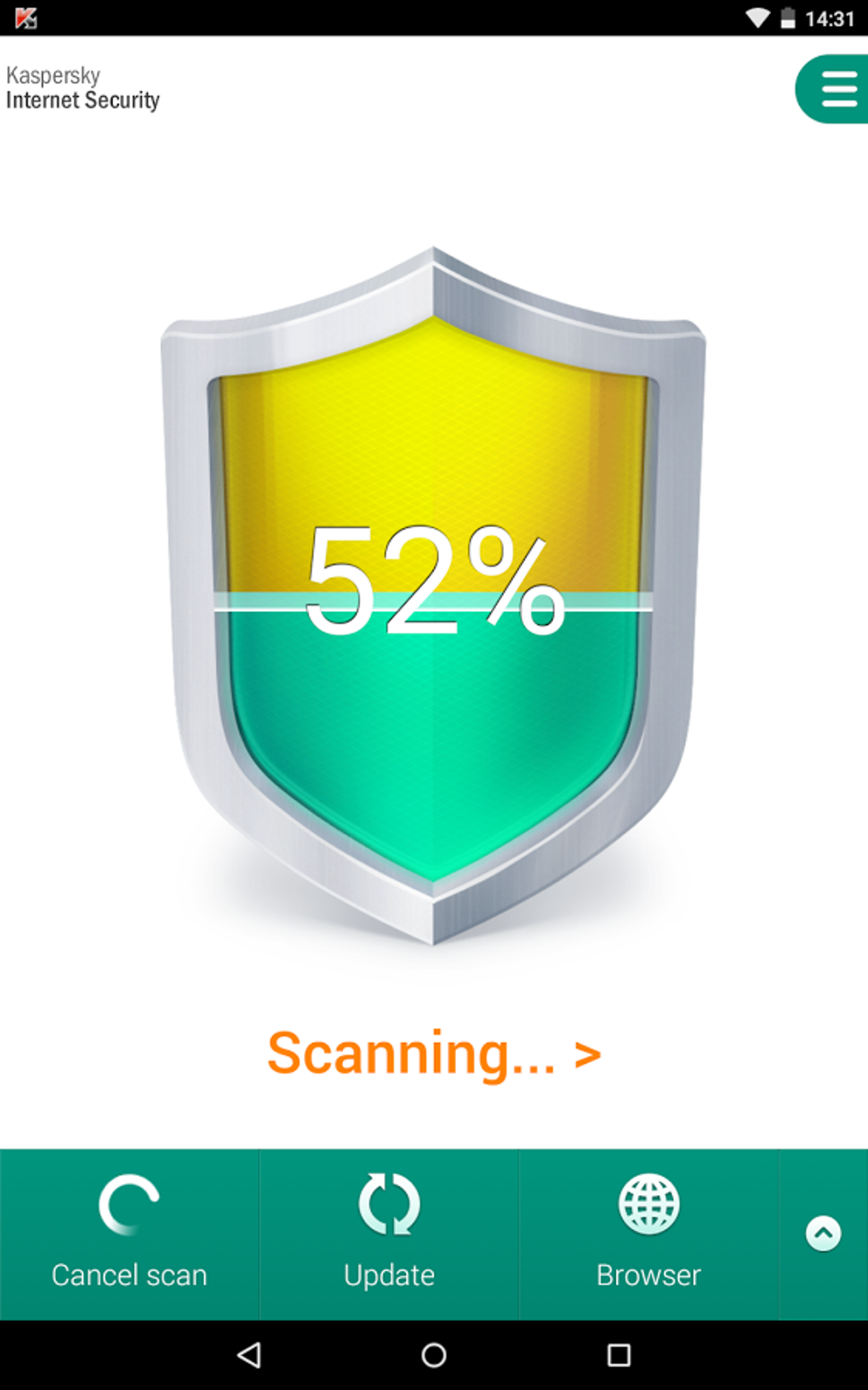
The user interface of Kaspersky Antivirus & VPN is structured to balance functionality with accessibility. Navigation is organized through a centralized dashboard that displays real-time security status, threat alerts, and quick-access tools. Users can easily switch between protection modes, review scan results, and manage settings without requiring advanced technical knowledge. The workflow is designed to minimize disruptions—background scans run without slowing down system performance, and alerts are non-intrusive yet actionable. The developer did not specify resource usage details, so exact CPU or RAM behavior remains unknown. Performance observations are based on general software behavior patterns. Stability appears consistent across multiple platforms, with no reported issues in routine operation. The application maintains a responsive interface during scans and updates, and user feedback indicates smooth interaction during daily use. However, specific performance benchmarks or optimization data were not provided.Compatibility & System Requirements
Kaspersky Antivirus & VPN is available for both Android and iOS platforms. The software is designed to run on modern mobile operating systems, though specific version requirements were not listed. Installation size and hardware specifications were not disclosed. The developer did not provide exact system requirements. Compatibility information was partially provided. Users should ensure their device meets the minimum standards for the respective OS version. The application supports multiple languages, enhancing accessibility for international users. No desktop or PC-specific versions were mentioned in the provided information.Pros and Cons
Pros
- Comprehensive multi-layered protection covering antivirus, firewall, and privacy.
- Real-time URL threat assessment and anti-phishing tools enhance online safety.
- Remote device management enables secure recovery of lost or stolen devices.
- Integrated password manager with autofill improves login security and convenience.
- Two-way firewall and network monitoring protect against unauthorized access.
- Supports multiple languages and platforms, suitable for global users.
- Proactive threat detection with visual alerts and automated blocking.
Cons
- Exact system requirements and performance metrics were not specified.
- Advanced features are limited to higher-tier subscription plans.
- Desktop version availability was not confirmed in the provided details.
- Resource usage during scans may vary without clear documentation.
- Some features require a paid subscription, limiting free access.
FAQ Section
Is Kaspersky Antivirus & VPN available for desktop computers?
The provided information does not confirm a desktop or PC version. The software is available for Android and iOS platforms.Can I use Kaspersky Antivirus & VPN without a subscription?
The software offers tiered plans—Standard, Plus, and Premium—suggesting that full functionality may require a paid subscription. Free access details were not provided.Does the app work offline?
The core security functions, such as antivirus scanning and firewall monitoring, can operate offline. However, some features like remote device management and cloud-based threat intelligence may require an internet connection.Is Kaspersky Antivirus & VPN safe to use?
The software has been tested and verified by independent security organizations. It is designed to protect users from online threats without introducing additional risks.How often does Kaspersky Antivirus & VPN update its protection database?
The application performs continuous background updates to ensure real-time threat detection. The frequency of updates was not specified.Final Thoughts + CTA
Kaspersky Antivirus & VPN stands out as a robust, all-in-one security tool that combines antivirus protection, privacy safeguards, and remote device control. Its multi-layered defense system, including real-time scanning, URL threat assessment, and a two-way firewall, makes it a strong choice for users concerned about digital safety. The inclusion of a password manager, secure QR scanner, and remote wipe functionality adds significant value. While some advanced features are exclusive to paid tiers and specific system requirements are not disclosed, the overall package remains compelling for mobile users seeking reliable protection. The software’s global accessibility and multilingual support further enhance its appeal. For individuals and professionals who rely on their devices for sensitive tasks, Kaspersky Antivirus & VPN offers a secure, feature-rich experience. Download Kaspersky Antivirus & VPN now.Guides & Tutorials for Kaspersky Antivirus VPN APK
How to install Kaspersky Antivirus VPN APK
- Click the Preview / Download button above.
- Once redirected, accept the terms and click Install.
- Wait for the Kaspersky Antivirus VPN APK download to finish on your device.
How to use Kaspersky Antivirus VPN APK
This software is primarily used for its core features described above. Open the app after installation to explore its capabilities.
User Reviews for Kaspersky Antivirus VPN APK 0
No reviews found





